$1.50
You Saved
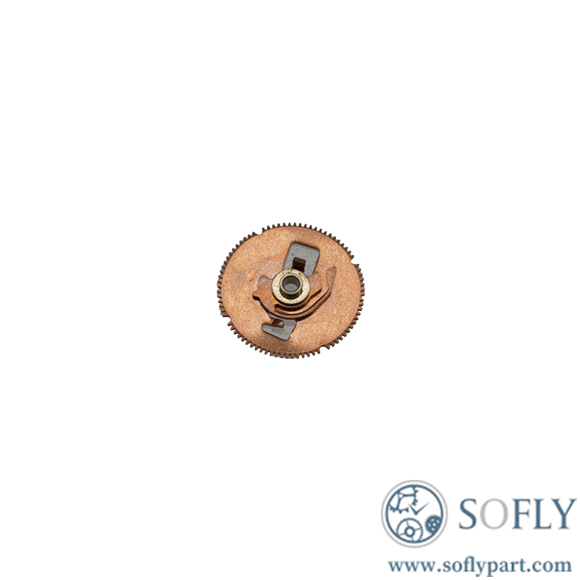
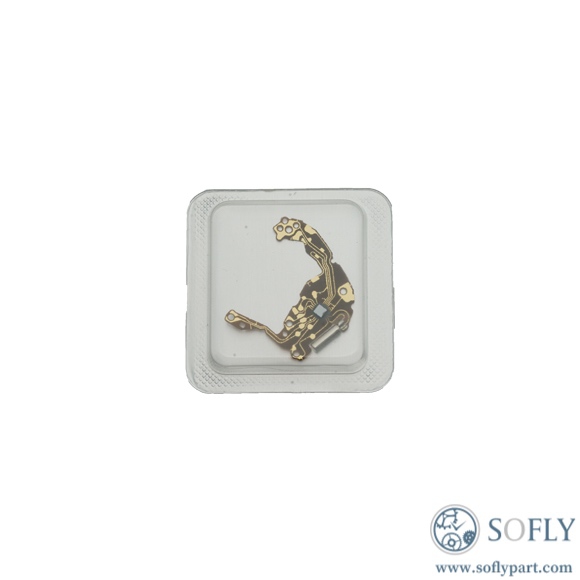
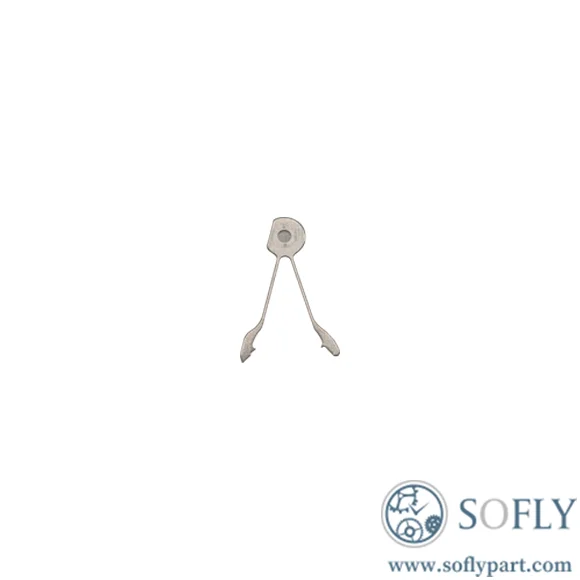
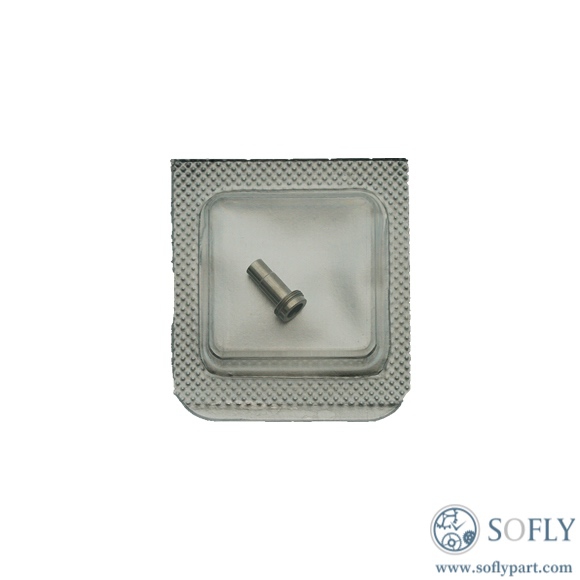
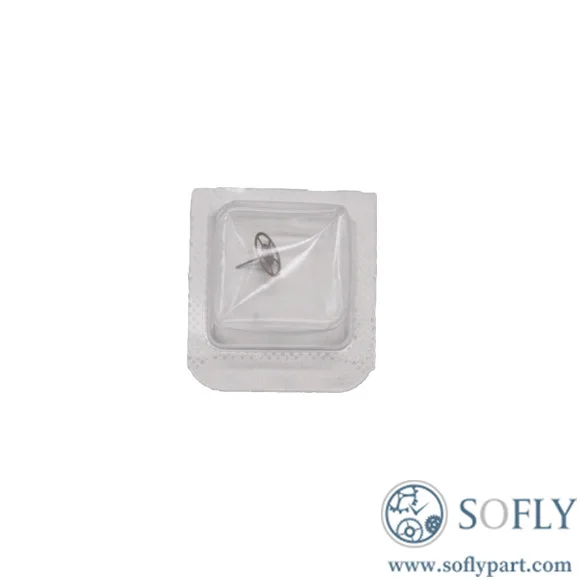
This is a genuine Ronda 5040 date indicator driving wheel, an original Swiss-made component for the Ronda 5040.B and 5040.D quartz chronograph movements. The driving wheel is a critical part of the calendar mechanism, responsible for transmitting motion from the movement to advance the date display at midnight. This brand new original part is essential for watchmakers restoring proper date function when the original driving wheel becomes worn or damaged.
About the Ronda 5040 Movement Family
The Ronda 5040 is a quartz chronograph movement family available in two variants :
| Variant | Date Display Type |
|---|---|
| 5040.D | Regular date (standard single-digit/dual-digit date window) |
| 5040.B | Big date (larger date display) |
Both variants share identical specifications :
| Specification | Details |
|---|---|
| Lignes dimensions | 12.5‴ |
| Diameter | 28.2 mm |
| Jewels | 13 |
| Features | Chronograph (hour, minute, second), sub-second, date |
| Movement Type | Quartz |
Function of the Date Indicator Driving Wheel
The date indicator driving wheel is part of the calendar mechanism that advances the date display. It works in conjunction with the date wheel and date jumper to ensure the date changes precisely at midnight. A worn or damaged driving wheel can cause the date to stop changing, change incompletely, or fail to advance at the correct time.
Date Setting on Ronda 5040 Movements:
The Ronda 5040 features a quickset date function. To set the date :
| Crown Position | Function |
|---|---|
| Position I (pushed in) | Normal running position |
| Position II (first stop) | Quick-set date adjustment |
| Position III (second stop) | Time setting (hack feature stops seconds hand) |
Quick-Set Date Instructions:
Pull the crown to Position II
Turn the crown to advance the date
Continue until the correct date appears
Push the crown back to Position I
Important Usage Tips:
Avoid setting the date between approximately 9:00 PM and 12:00 PM when the date mechanism is engaged
If you need to set the date during this period, set the date to the following day as automatic date changing will not occur at midnight
For precise time setting, pull the crown when the seconds hand is at the “60” position to synchronize exactly
Tools Required:
Non-metallic tweezers
Small screwdrivers (for calendar plate removal)
Movement holder
Loupe or magnification (10x recommended)
Rodico cleaning putty
Hand removal tools (if accessing from dial side)
Step-by-Step Installation:
Step 1: Movement Preparation
Remove the movement from the watch case
Remove the hands and dial (the date driving wheel is located on the dial side)
Remove the calendar plate to access the date mechanism
Step 2: Remove the Old Driving Wheel
Locate the date indicator driving wheel in the calendar mechanism
Using non-metallic tweezers, carefully lift the old driving wheel from its pivot
Note the orientation for reinstallation
Step 3: Inspect and Clean
Inspect the date wheel and date jumper for debris or old grease
Clean the pivot area using Rodico to remove old oil and debris
Check that the new driving wheel’s teeth are intact
Step 4: Install the New Driving Wheel
Position the new genuine Ronda 5040 driving wheel onto its pivot
Ensure the wheel sits flush and engages properly with the date wheel
The wheel should rotate freely but with minimal play
Step 5: Reassembly and Testing
Reinstall the calendar plate
Reinstall the dial and hands
Test the date mechanism: advance time past midnight – date should change crisply
Test the quick-set function: pull crown to Position II – date should advance with each turn
Important Notes:
The 5040.B (big date) and 5040.D (regular date) have different date mechanism configurations. Ensure you are ordering the correct part for your specific movement
Professional installation is strongly recommended for those without movement service experience
Common Symptoms of Date Driving Wheel Issues:
| Symptom | Possible Cause |
|---|---|
| Date does not change at midnight | Worn driving wheel or damaged date wheel teeth |
| Date changes partially or hesitates | Damaged driving wheel teeth or misaligned jumper |
| Quick-set date does not function | Stripped driving wheel teeth or worn engagement |
| Date changes at wrong time | Incorrect driving wheel orientation or installation |
Diagnostic Process:
Visual Inspection: Under magnification, examine the driving wheel teeth for wear, chipping, or deformation.
Quick-Set Test: With the dial removed, test the quick-set function by pulling the crown to Position II and turning clockwise.
Manual Advance Test: Manually advance the time past midnight while observing the date change mechanism.
When Replacement is Necessary:
Visible tooth damage or wear on the driving wheel
The wheel does not engage properly with the date wheel
Previous attempts to lubricate did not resolve date issues
The movement has been in service for 5+ years and date change is unreliable
Preventive Maintenance:
Replace battery every 2-3 years to prevent leakage
During service, inspect the date driving wheel for wear
Clean and re-grease the date mechanism with appropriate lubricants
Avoid forced date changes during the mechanism’s engagement period
When to Seek Professional Help:
You lack experience with calendar mechanism disassembly
The date wheel or jumper shows signs of damage
The movement has other timing issues
You are uncertain about proper driving wheel orientation
Q1: What is the difference between the 5040.B and 5040.D movements?
A: The 5040.D has a standard regular date display, while the 5040.B features a big date display . Both share identical specifications and movement architecture, but the date mechanism components (including the driving wheel) may differ between the two variants. Always verify your movement variant before ordering.
Q2: What causes the date to stop changing?
A: Common causes include a worn or damaged date indicator driving wheel, a stripped date wheel, or a misaligned date jumper. In some cases, incorrect handling during crown removal can also damage the keyless works and affect date setting functionality .
Q3: Can I install this part myself?
A: This part requires movement disassembly, including removal of the hands, dial, and calendar plate. Professional installation by a qualified watchmaker is strongly recommended. Improper installation can damage the date mechanism or affect the movement’s reliability. The Ronda 5040 is a 13-jewel quartz chronograph movement with complex calendar and chronograph modules .
Q4: What other parts should I inspect when replacing the driving wheel?
A: Inspect the date wheel and date jumper for wear. Also check the calendar plate for any damage. The calendar mechanism components work together as a system – wear on one component often affects others. For the 5040.B (big date) variant, there are two date wheels (tens and units) that must be properly synchronized.
Fast worldwide shipping within 3 business days.
Competitive pricing on Seiko/Hattori calibers.
3,000+ watch movements and parts in stock.
Trusted by watchmakers worldwide.
Personalized sourcing support via [email protected] or WhatsApp +86 18620212114.